External skills
External skills are the skills Brisal loads from your personal ~/.agents/skills folder — one of the four tiers, and the only tier that reaches outside any single workspace. Once enabled, every workspace on your machine sees these skills.
The folder convention enables cross-tool sharing: ~/.agents/skills is a personal, tool-agnostic location for your skills, making them available to Brisal and any other tool reading that path — write once, use everywhere.
External skills are opt-in and global. Disabled by default, Brisal ignores the folder entirely. Enable them during the Onboarding wizard or from Settings › Skills; the choice applies across all workspaces.
Choosing during onboarding
The Onboarding wizard starts with Enable external skills off. Turn it on to
load skills from ~/.agents/skills as soon as setup finishes, or leave it off
and make the same choice later in Settings. The full first-run flow is on
Onboarding wizard.
Enabling and disabling in Settings
The global switch is in Settings › Skills. Off by default, the External skills card displays the ~/.agents/skills path with an Enable button:
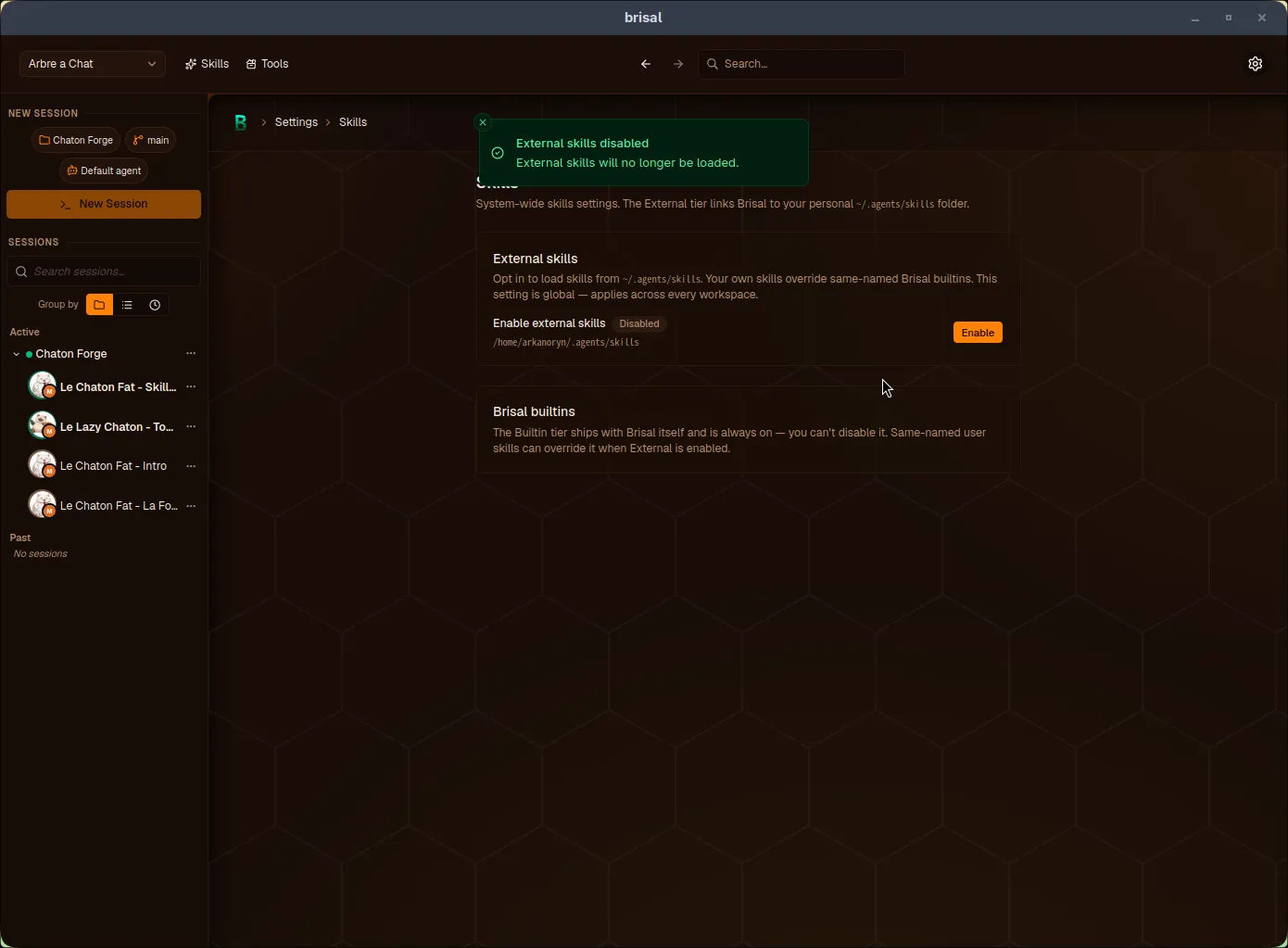
Enabling it directs Brisal to ~/.agents/skills. A confirmation toast appears, and the button switches to Disable for toggling:
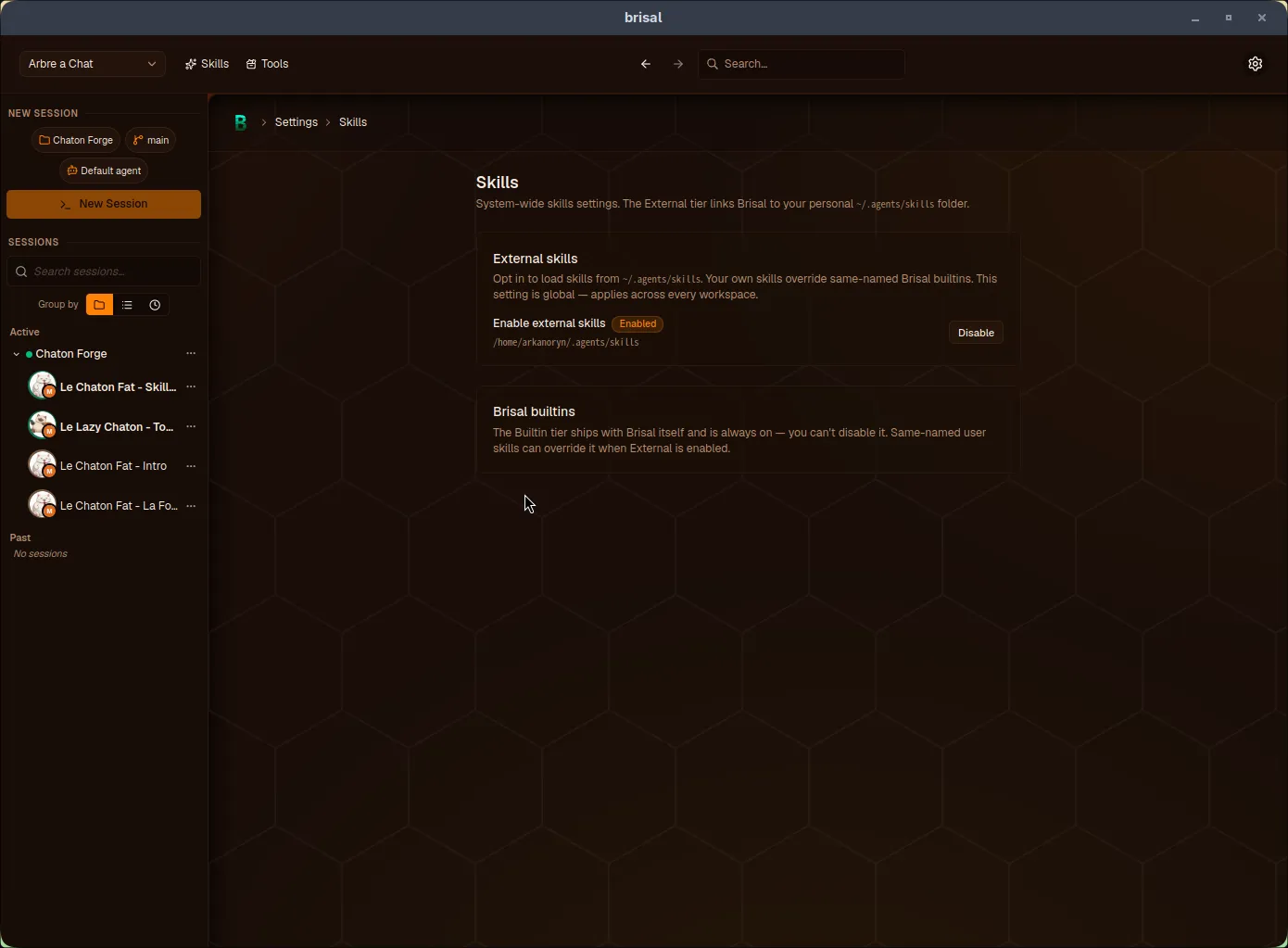
The Brisal builtins card is informational: the Builtin tier is always active. Enabling External allows override.
Precedence: your skills override builtins
External sits above Builtin in the skill precedence order:
project > workspace > external > builtinWhen External is enabled, your ~/.agents/skills skill overrides a same-named builtin — your version is used, the builtin is hidden (not deleted), and Brisal notifies you. Workspace or project skills of the same id still take precedence. Full precedence rules are on the Skills page.
What to read next
- Skills — the parent concept: what a skill is, all four tiers, precedence, and authoring.
- Settings — the machine-wide vs. per-workspace model, and where this global switch fits.
- In-app help — the
brisal-docsBuiltin skill your external skills can override.